
TV-Sizes journal
TV Stand for a 65 Inch TV: Ideal Width, Minimums & Real Models
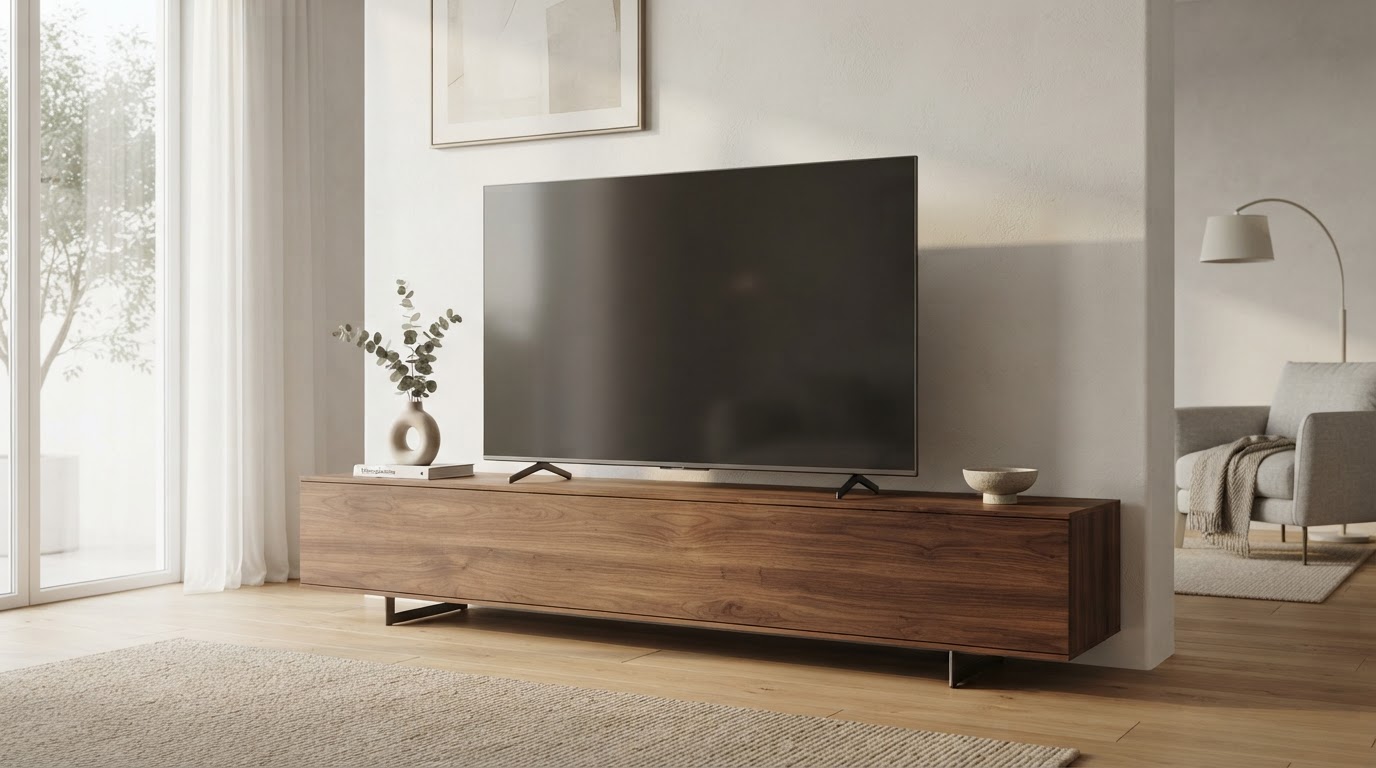
TV Stand for a 65 Inch TV: What Width You Need
A 65-inch TV measures roughly 57–58 inches wide, so a 60-inch console is the most comfortable choice for most rooms. The catch: your TV's feet are what physically sit on the stand, and they can span anywhere from about 17 inches (a narrow center pedestal) up to roughly 61 inches (edge-mounted legs). Match the stand to the feet, not just to the diagonal, and you can often use a narrower console than you think.
Below, we break down the sizing math with real 65-inch TVs from the tv-sizes database, explain when a stand narrower than the TV works, and cover center stands versus edge legs so you get a stable, good-looking fit.
Fit calculator
Measure the furniture.
We’ll size the screen.
Enter the clear inside width of your cabinet and the usable width of its base.
Quick answer: how wide should a TV stand be for a 65-inch TV?
| Stand width | Verdict |
|---|---|
| 60–65 inches | Ideal for most 65-inch TVs — wider than the TV, room for a soundbar, balanced look |
| 55–58 inches | Works when the TV's feet fit on the surface; equals or slightly exceeds chassis width |
| 50 inches | Minimum practical width, but only if your TV uses a narrow center stand |
| Under 50 inches | Risky — only works with center-pedestal TVs that span well under the console |
The golden rule: a console at least as wide as your TV's stand/feet is stable; a console as wide as the TV itself looks best.
How wide is a 65-inch TV, really?
The "65-inch" name is the diagonal of the screen, not its width. Two numbers matter for stand sizing:
- Theoretical screen width (16:9 geometry, not the physical TV): for a 65-inch diagonal the screen is about 56.7 inches wide.
- Real chassis width (the actual TV body): in the tv-sizes database, real 65-inch models measure roughly 57–58 inches wide — the thin bezel adds about an inch to the screen.
Here is the theoretical 16:9 screen geometry for the 65-inch class compared with nearby sizes:
| TV size | Screen width (theoretical 16:9) | Screen height (theoretical 16:9) | Screen area |
|---|---|---|---|
| 55" | 47.9" | 27.0" | 9.0 sq ft |
| 60" | 52.3" | 29.4" | 10.7 sq ft |
| 65" | 56.7" | 31.9" | 12.5 sq ft |
| 70" | 61.0" | 34.3" | 14.5 sq ft |
| 75" | 65.4" | 36.8" | 16.7 sq ft |
These are theoretical screen dimensions (16:9 geometry from the diagonal). The physical TV is a little larger — and, importantly, it's the stand/feet width that must sit on your console.
Real 65-inch TVs and their actual stand widths
Every TV ships with either a center stand (one wide pedestal or two feet close together) or edge legs (feet mounted near the corners of the chassis). The following are real 65-inch models from the tv-sizes database, with their measured chassis and stand widths:
| Model | Brand | TV width | Stand width |
|---|---|---|---|
| Sony XBR65Z9D | Sony | 58" | 17" |
| Sony XBR65X900E | Sony | 57" | 20" |
| LG OLED65B7A | LG | 57" | 23" |
| Samsung UN65MU8000FXZA | Samsung | 57" | 38" |
| Sharp LC-65LBU591U | Sharp | 58" | 43" |
| Hisense 65H8C | Hisense | 58" | 48" |
| Samsung UN65MU6290FXZA | Samsung | 58" | 48" |
| LG 65UJ6300 | LG | 57" | 52" |
| VIZIO M65-E0 | VIZIO | 58" | 53" |
| TCL 65C807 | TCL | 57" | 56" |
| Samsung UN65LS003AFXZA (Frame) | Samsung | 57" | 57" |
| LG 65UJ7700 | LG | 58" | 59" |
| Sceptre U650CV-U | Sceptre | 58" | 60" |
The chassis is roughly 57–58 inches wide across brands, but the stand width ranges from 17 inches to 60 inches. That spread is exactly why checking your TV's own feet is the step most stand-size guides skip.
You can browse all 65-inch TVs in the database and filter by brand at /tvs/.
Center stand vs. edge legs: what your console needs
Center stand (narrow pedestal). Found on many premium OLEDs and high-end sets (for example, the Sony XBR65Z9D at 17" or the LG OLED65B7A at 23"). The whole TV balances on a small footprint in the middle.
- Works on a console much narrower than the TV — a 50" or even 40" console can be stable.
- Because the weight is concentrated mid-span, you mainly need the console top to be flat and solid under that footprint.
- Looks slightly "floaty" if the console is very narrow and the TV overhangs a lot on both sides — fine structurally, just a look decision.
Edge legs (wide stance). Most mainstream 65-inch TVs (LG 65UJ6300 at 52", VIZIO M65-E0 at 53", TCL 65C807 at 56") put feet near the corners.
- The console must be at least as wide as the leg span — if it's narrower, the feet hang off the edges and the TV is unstable.
- A console as wide as the TV (roughly 58") is the safe choice; 60" gives a little margin.
- Edge legs are a top-heavy configuration on a wide chassis, so a wider, heavier console is genuinely safer.
If your TV has edge legs and you're choosing between a 50" and a 60" console, the 60" is not a luxury — it's the difference between the feet sitting on the surface and hanging off it.
Can a TV stand be narrower than the TV?
Yes — if the feet fit. The console only needs to support the TV's stand/feet, not the whole chassis.
- Center-stand models routinely sit on consoles 10–15 inches narrower than the TV. Stability comes from the narrow footprint being fully supported.
- Edge-leg models can only be slightly narrower than the TV — the leg span is nearly the full chassis width, so the console must be nearly as wide.
- Any overhang beyond the console edges is unsupported and makes the TV easier to knock over, so a TV wider than its console is always a tradeoff in stability.
Use the fit calculator to check a specific console against your TV's dimensions.
Minimum practical width for a 65-inch TV
| TV stand style | Minimum width that works | Why |
|---|---|---|
| Center pedestal (e.g. 17–23" stand) | ~50" | Console wider than the pedestal; overhang is cosmetic |
| Narrow feet, mid stance | ~50" | Feet near chassis center |
| Wide edge legs (50–61" stand) | ~55–60" | Feet near corners must sit on the surface |
A 50-inch console is the practical floor for a 65-inch TV only when the feet are close together. For anything with edge legs, plan on 55–60 inches.
Wall-mounted TV + console: different rules
If your 65-inch TV is on a wall mount, the console no longer needs to match the TV width at all. Instead:
- Choose the console for storage and looks — 50–60 inches is typical, but a 40-inch media console is perfectly valid under a wall-mounted 65-inch TV.
- Keep the console's depth reasonable so the wall-mounted TV doesn't look awkwardly suspended; a console roughly 15–18 inches deep works well.
- Leave 6+ inches of clearance between the top of the console and the bottom of the TV for air flow and cable access.
- See wall-mount considerations for more.
Stand height and viewing distance
The 65-inch class wants a console that puts the screen center near eye level when seated. For a typical 65-inch TV (theoretical screen height ~31.9"), a console top around 18–22 inches tall, with the TV's own stand adding height, usually lands the screen center close to the recommended 42 inches from the floor.
For seating distance, a 65-inch TV wants roughly 8.7 feet for mixed viewing or about 6.5 feet for a cinematic feel. See the viewing distance guide for the full math.
What about a 55-inch or 75-inch TV?
The same logic scales up and down — the console should match the feet, not the diagonal:
- A 55-inch TV (theoretical screen ~47.9" wide, chassis ~48–49") typically wants a 50-inch console; browse the 55-inch TVs in the database to check real stand widths.
- A 75-inch TV (chassis roughly 65–66") typically wants a 70-inch console; browse the 75-inch TVs in the database to check real stand widths.
- The fit calculator works for any size.
Bottom line
For a 65-inch TV, buy a console at least as wide as the TV's feet — 60 inches is the comfortable default, 50 inches works only for center-pedestal models, and edge-leg TVs usually need close to the full 57–58-inch chassis width. Check your TV's actual stand width (many are listed in the 65-inch TV archive), then confirm with the fit calculator.